How it works
Paper to PDF in five taps.
No scanner, no printer, no fuss. Just your iPhone.
- 01
Scan
Open the app, choose PDF Scan and hold your iPhone over the page. Add as many pages as you need.
- 02
Tidy up
Crop, rotate and pick a filter so every page is sharp and easy to read.
- 03
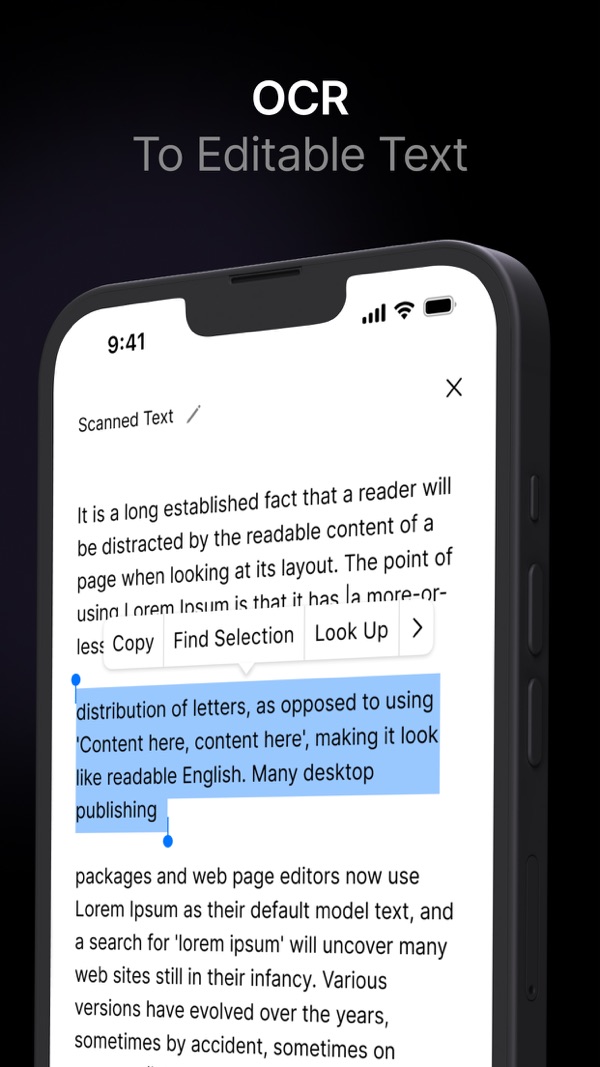
Recognize text
Run OCR to turn the scan into editable text you can copy, save as a .txt file or print.
- 04
Sign
Draw your signature once and place it on contracts and forms with a tap.
- 05
Share or store
Rename and file it in your library, or send it by email, iCloud, Drive, Dropbox and more.
Your whole filing cabinet, in your pocket.
Free on iPhone, with optional Premium for unlimited scans and OCR. Requires iOS 16 or later.
Download on the App Store